

We've all been there. It's 4pm on a Friday, the dreaded "quick chat" message lands, and you know it ain't about the upcoming pitch.
Losing great people is inevitable, in fact if you're doing a half-decent job as a manager it should be expected (especially if there's nowhere for 'em to go internally).
But, if that call means that your standards, learnings and client quirks go out the door with 'em; it was never just about their talent, it was also about their memory.
Here are some typical red flags:
Work and standards slip every time they're sipping a cocktail on a beach
They're the go-to for any logins, files, client intel, compliance and historic feedback
Clients ask specifically for them, or they run accounts in silo
Deadlines are moved around their schedule, not the wider team's
The call raised your heart rate past 140
If any of the above sounds familiar, here's a few things to protect yourself and your team.
01 / 07
Start the handover before they hand in their notice
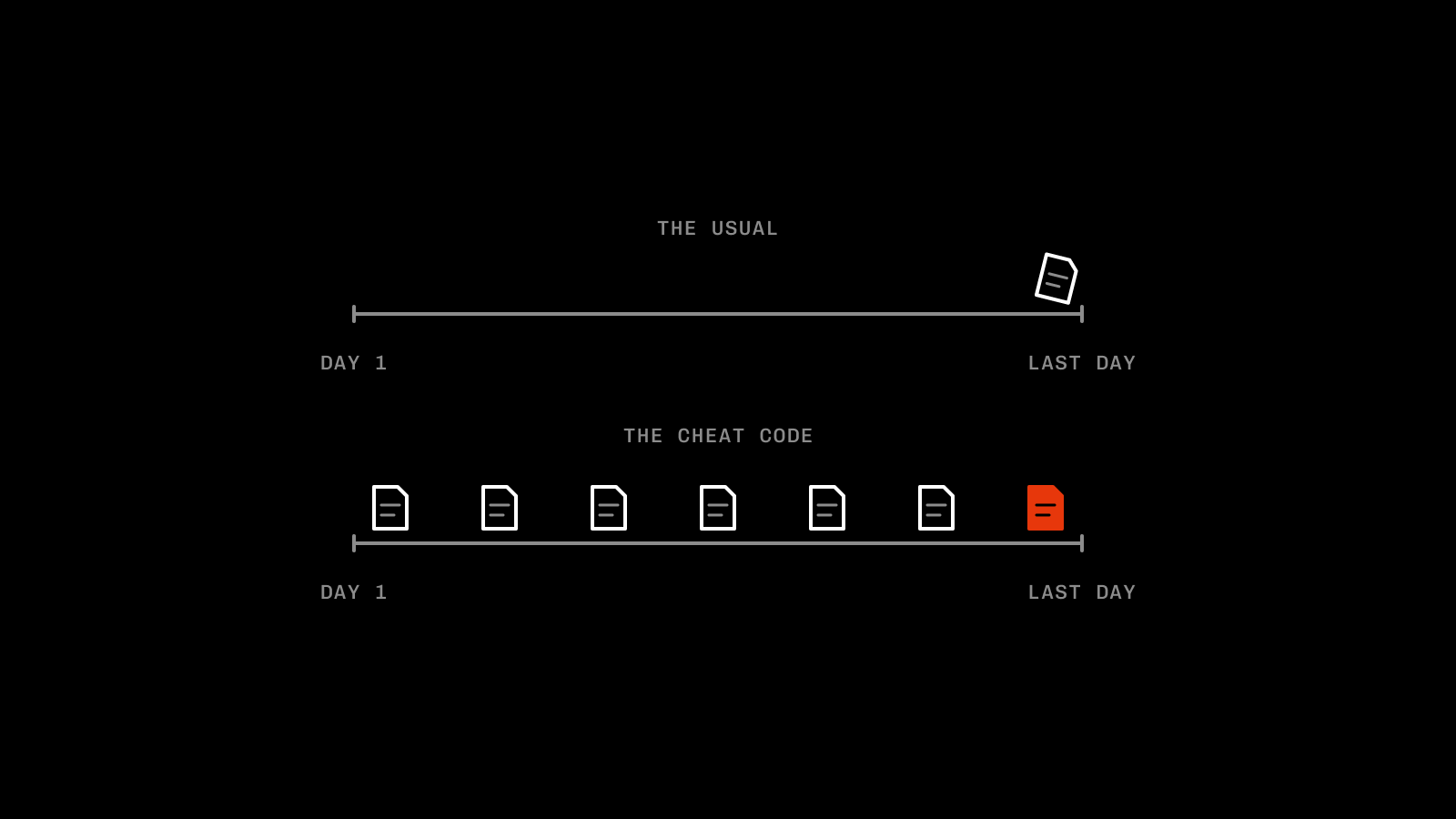
Handover documents often get written after someone's already checked out.
Which typically means they're absolutely friggin' useless; they're half-arsed, no one actually reads 'em, and questions drop in once they're two paycheques into their new gig.
The cheat code is getting people to be writing their handover documents from the second they're on the payroll, here's a few ways to make that a reality.
02 / 07
Standards are well documented
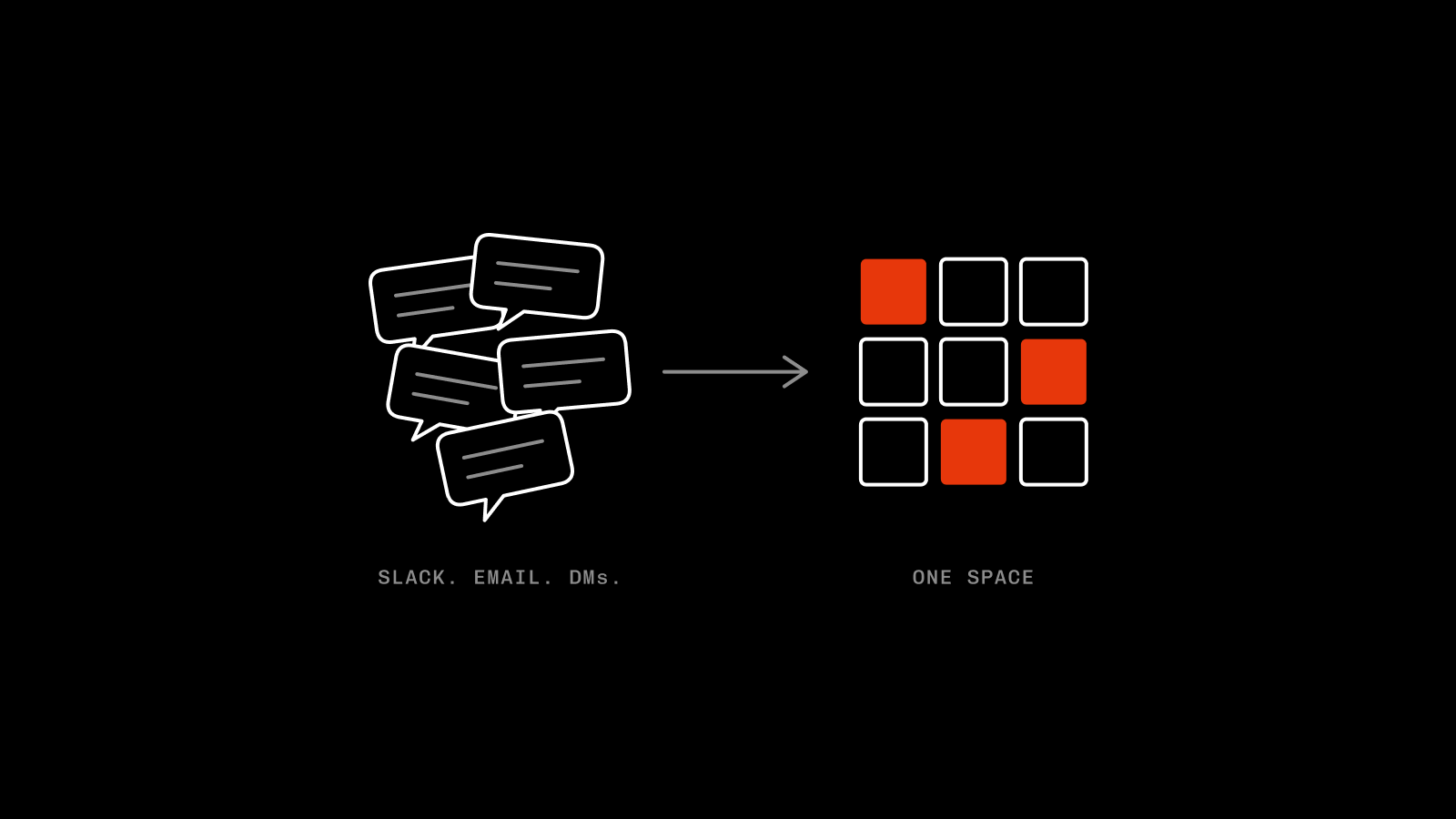
I wrote a little bit about this in last week's episode, but every single client should have a space where great (and not so great) work is documented. Not a Slack channel, not an email thread. A space purposefully designed to make jumping on an account as easy as possible.
Assets that get signed off first time, the stuff that's smashed KPIs to smithereens, and the ads the clients show their founder. Bonus points if it's the actual editable files, not just the final JPGs or MP4s, so people can have a poke around.
Notion, Google Docs, whatever matches your tech stack. Just make sure it's easy to find, and easier to keep updated.
Update it frequently with the stuff that matters, and any newbie can jump on the account, absorb months of context and hit the ground running.
03 / 07
Feedback lives with the team, not the person
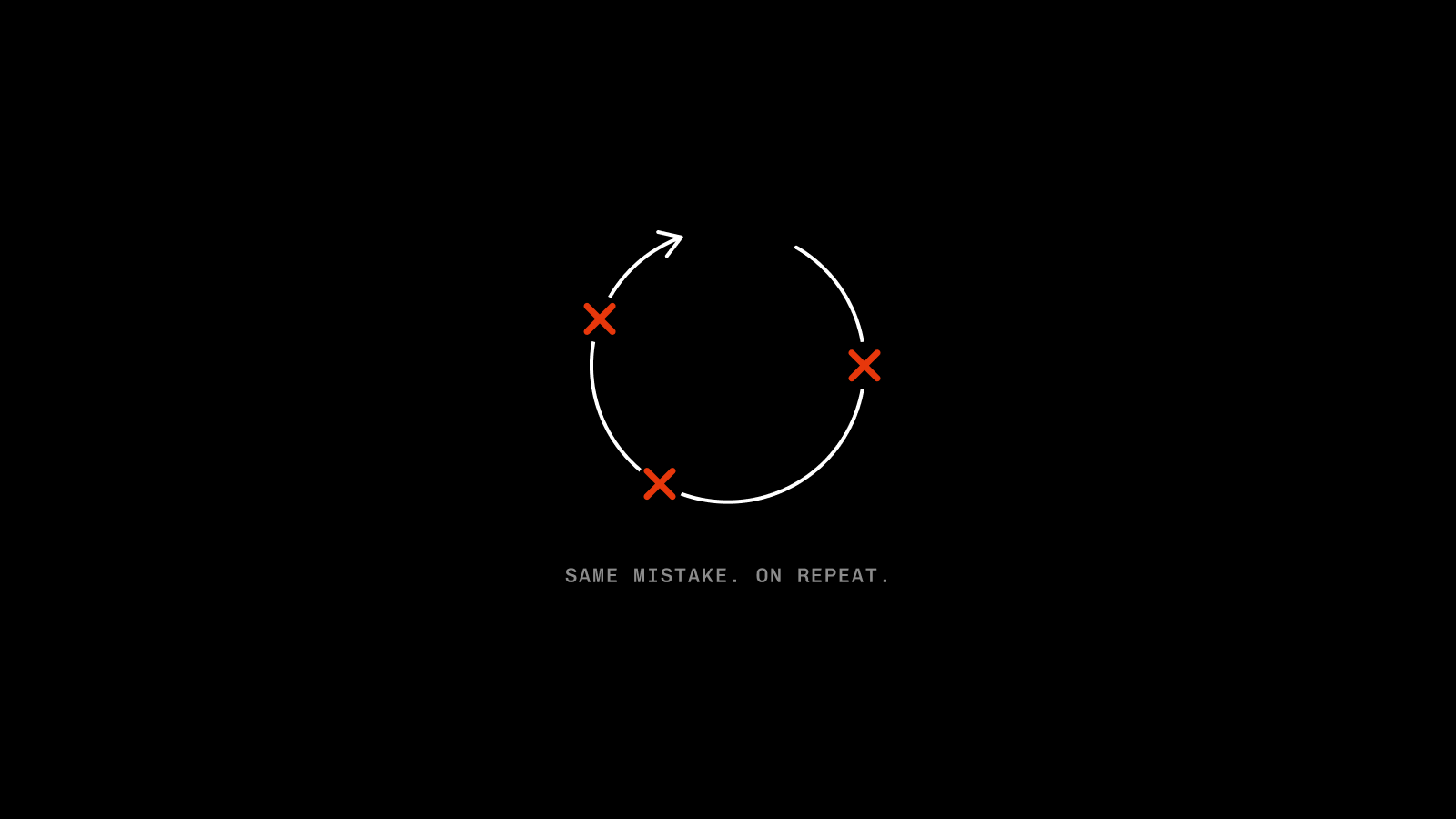
Making the same mistake two or three times can be costly on any client relationship, and feedback living in one person's head is the fast lane to repeat offences.
If you add different teams, media types and touch points into the mix, stuff naturally slips through. Centralise key feedback in one place and pre-flight checks can be automated, with context living with the team, not the individual.
Having critical client comms (not just feedback) front and centre is just as important. A lot gets said on calls or in-person, and if it doesn't reach the doers, people soon get frustrated.
All of this can sit in your standards docs or on its own next to other client feedback, as long as it's easy to find and understand, you're golden.
04 / 07
Learnings and data are shared team-wide
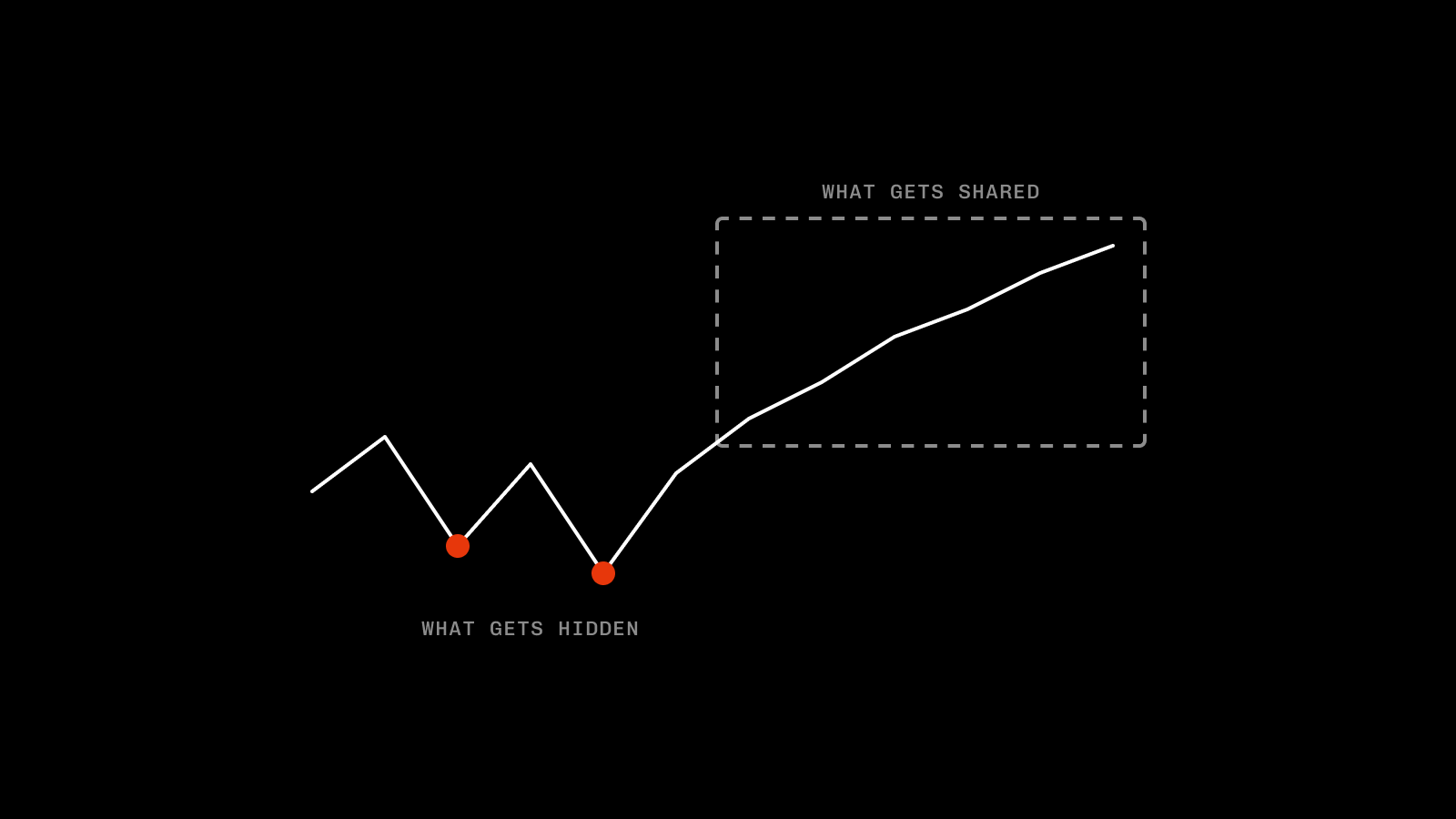
Weekly/monthly reports should be shared with everyone on the account, not just sent to the client. Keep them all in the same spot and context can be learnt in a 20-minute deep dive.
Just make sure they tell the whole story, not just the wins. Being open about what's going wrong (and how you're fixing it) is invaluable for junior team members. They learn what to avoid without making the mistakes themselves.
I'd even go as far as saying you should be discussing learnings in your team meetings or stand-ups; a section dedicated to losses can be just as valuable as your wins. We're all human, right?
05 / 07
Clients know more than one face (or profile pic)
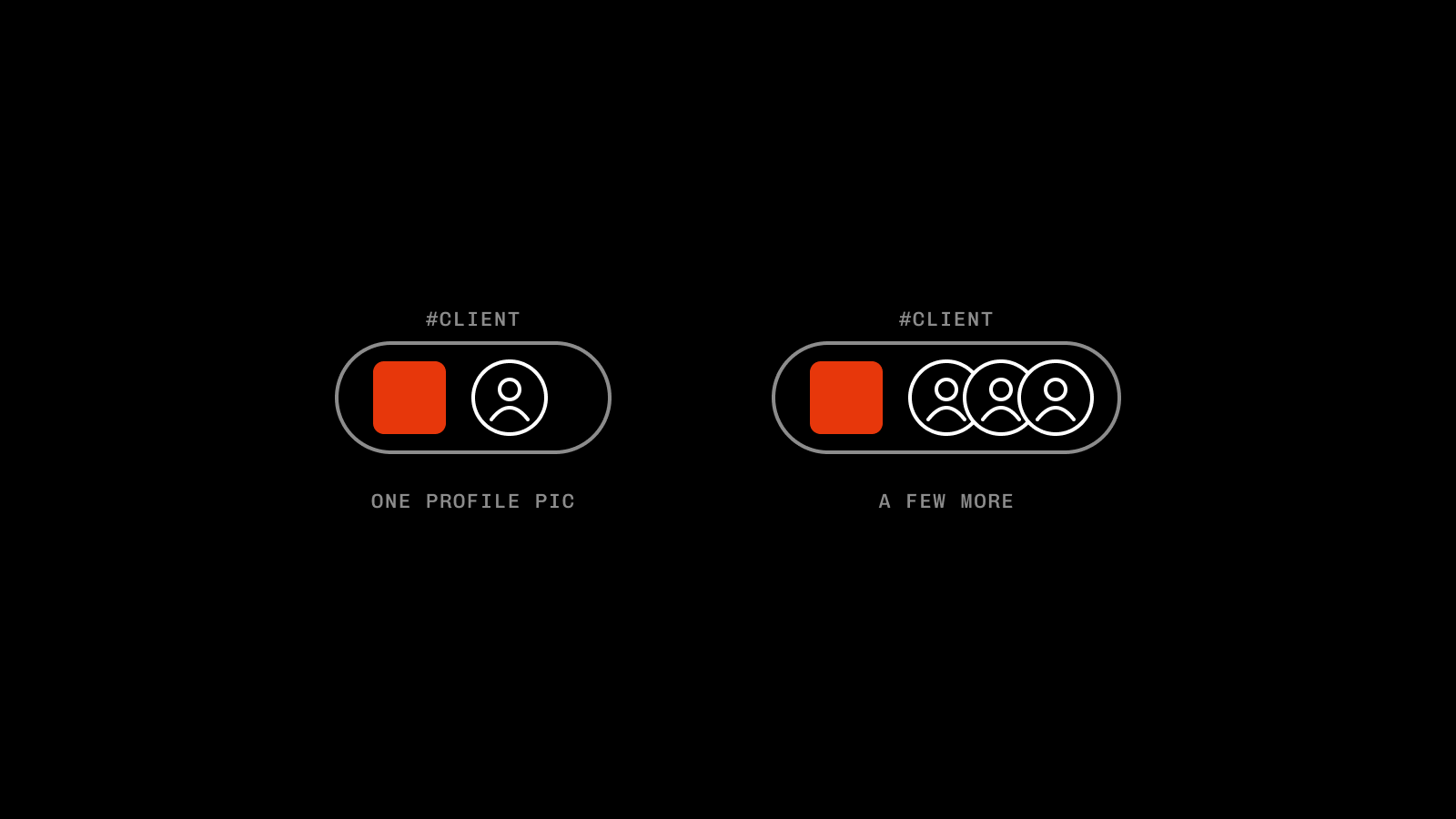
This one's a little more tricky depending on your setup, but a set of fresh eyes (with the right guidance) can often be good for an account. It also de-risks when someone waves you goodbye.
When one person holds all the context, quirks and nuances of an account, learning all of it again takes time. There's also the commercial risk: if Stacey's leaving to build her own team at a competitor, that revenue might show up on her desk in a few months' time.
A lot of what I've mentioned above can solve most of this, but a named backup on key accounts often softens the blow further.
The caveat to all of this is don't switch for the sake of it.
Clients love continuity, the aim is coverage, not a game of POC musical chairs.
06 / 07
Housekeeping is essential
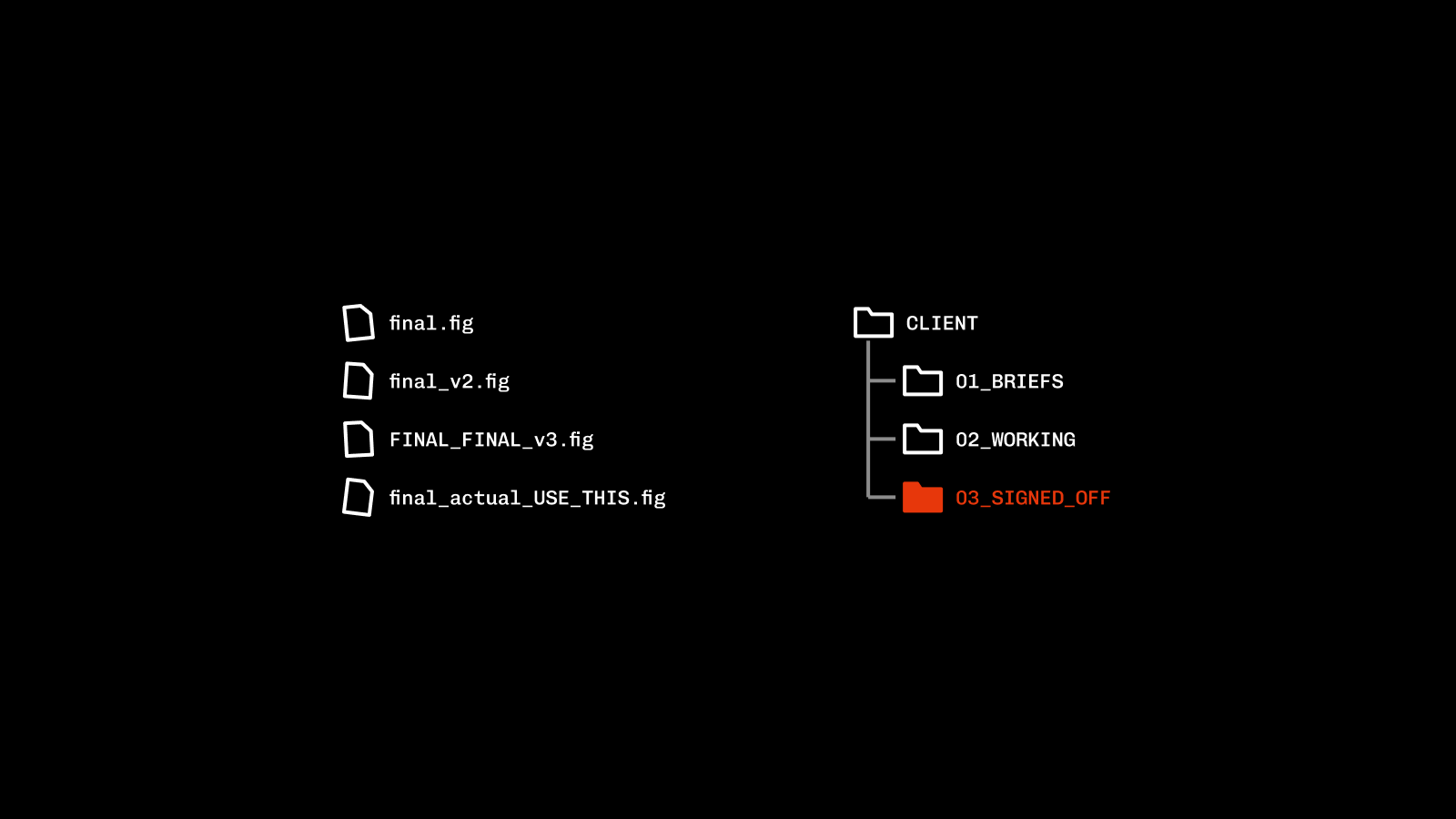
This one's a little boring, so apologies in advance.
Make sure you've standardised (and documented) file setup, storage and best practice. Feedback will always land after someone's left, and a proper setup saves you the awkward WhatsApp to your ex-colleague when they've already made new work friends.
Standardised templates should be baked into your team (and client) onboarding. That way everyone's singing off the same hymn sheet, anyone can jump onto a file and understand what's what, plus it makes holiday cover seamless.
Next up we have logins. I'm not sure how many agencies will be paying for Adobe for people who left 4 years ago, but I'd bet it's a fair few. Cancel those subscriptions as soon as they leave, it soon adds up.
Make sure every subscription is stored/logged in some form of password manager or sheet, I'm not as clued up on my cybersecurity as I'd like but the latter may cause some so issues. So I'd probably speak to your IT department, they love that stuff.
An offboarding process is just as important as an onboarding one, plan accordingly.
07 / 07
Make documenting part of the job
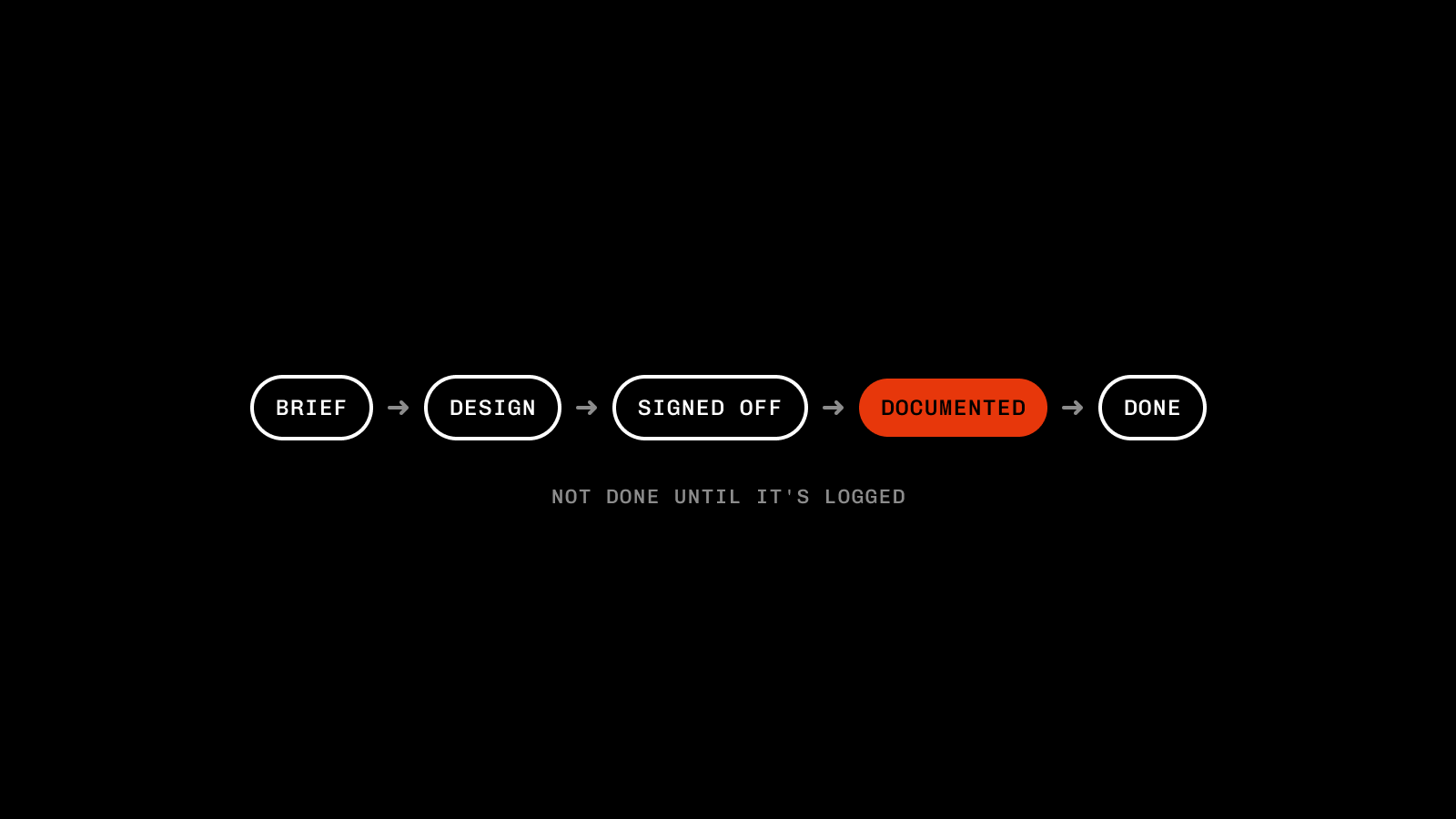
This is the thing that makes or breaks all of the above.
If documenting is an extra, it will be the first thing that gets ignored when things get busy (and that's when it's the most important).
Little and often wins here: 5 minutes daily on what's landing, what isn't and any new client quirks trumps a 30-page essay no one will read.
If no one can be arsed to write it, no one will be arsed to read it.
So keep things clear, concise and genuinely useful.
Make sure it's recognised too. Make it part of 1:1s and reviews and give shoutouts for it. The more important stuff that's captured, the less mistakes will pop up. Highlighting key contributors is pretty easy to track, so gamifying it is a nice way to bring some friendly competition.
With anything boring, leading from the front is as important as ever. If you're asking your team to do things that you're not doing yourself, that's only gonna end one way.
Your best people will leave eventually. If you follow something like the above, the only thing walking out of the door is them, not the clients, the context or the master files.